A lightweight terminal
your AI can drive.
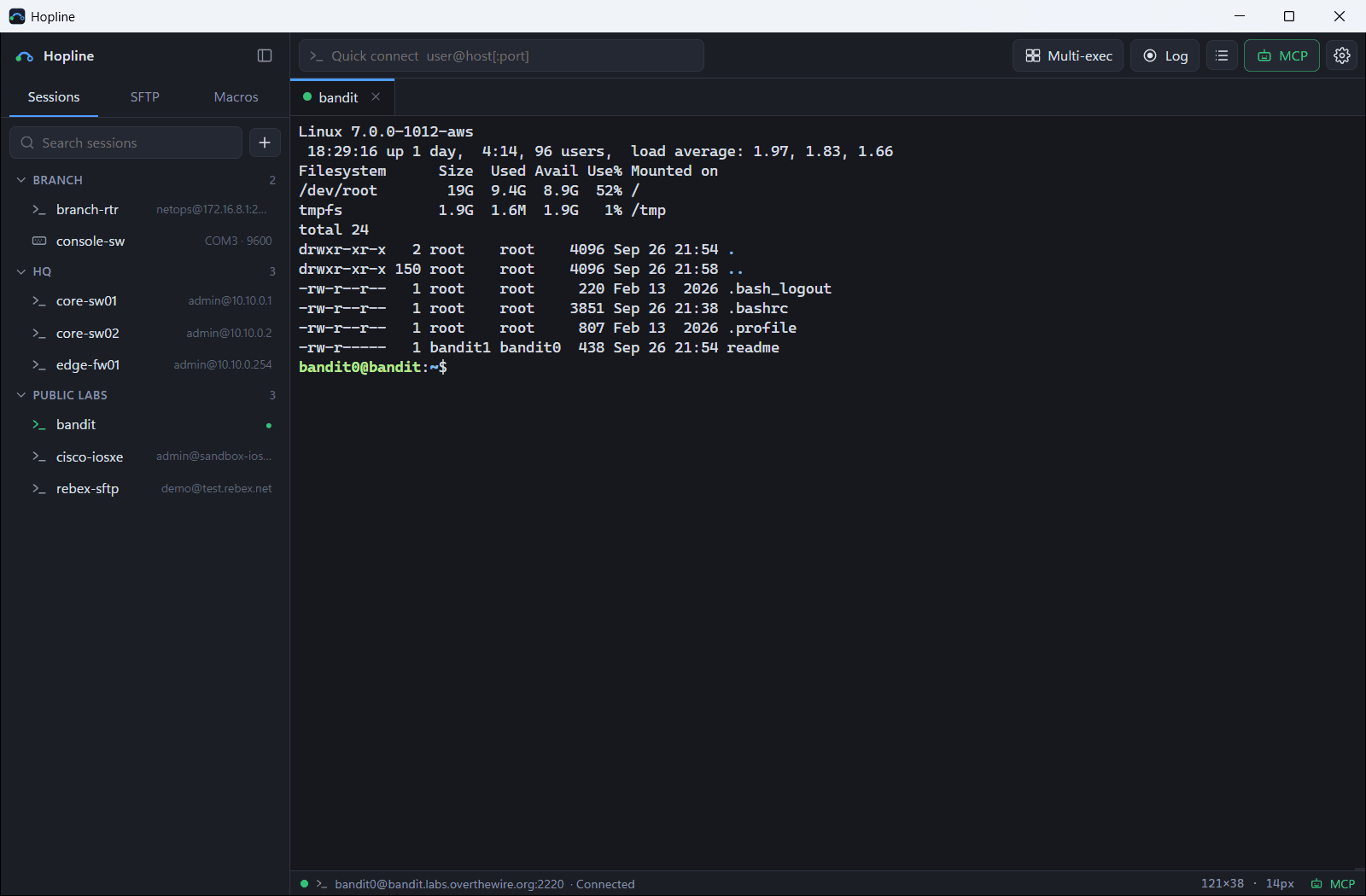
SSH, Telnet, SFTP and serial consoles in one 16 MB executable. A built-in MCP server lets Claude Code open your sessions, run commands and read the output, in tabs you can see.
v0.9.2 · 7.2 MB · no installer
Hopline × Claude
Claude Code opens three switches at once, finds why a port went down, and brings it back only after you approve. Then the AI built into Hopline: explaining output, summarizing logs and comparing scheduled checks.
Captions are in Korean.
- Single 16 MB .exe
- SSH · Telnet · SFTP · Serial
- Built-in MCP server
- MIT license
Everything you use every day, nothing you don't
Just what network engineers need for daily SSH, Telnet and serial work, kept light.
AI assistant in the terminal
Ask about the current screen, or select output and click Ask AI. Suggested commands get Insert and Run buttons; config changes are only inserted. Uses your Claude Code, no API key.
Scheduled checks
At set times Hopline connects in the background, runs read-only commands and saves the output. The AI compares each run with the last and flags what changed.
SSH and Telnet tabs
Saved sessions in nested folders with drag and drop, search and quick connect. Telnet answers the login prompts for older gear. Passwords are encrypted with your Windows account.
Bring your sessions
Import from MobaXterm, PuTTY, SecureCRT and Xshell with their folders, in one click. Exported session files work too.
SFTP panel
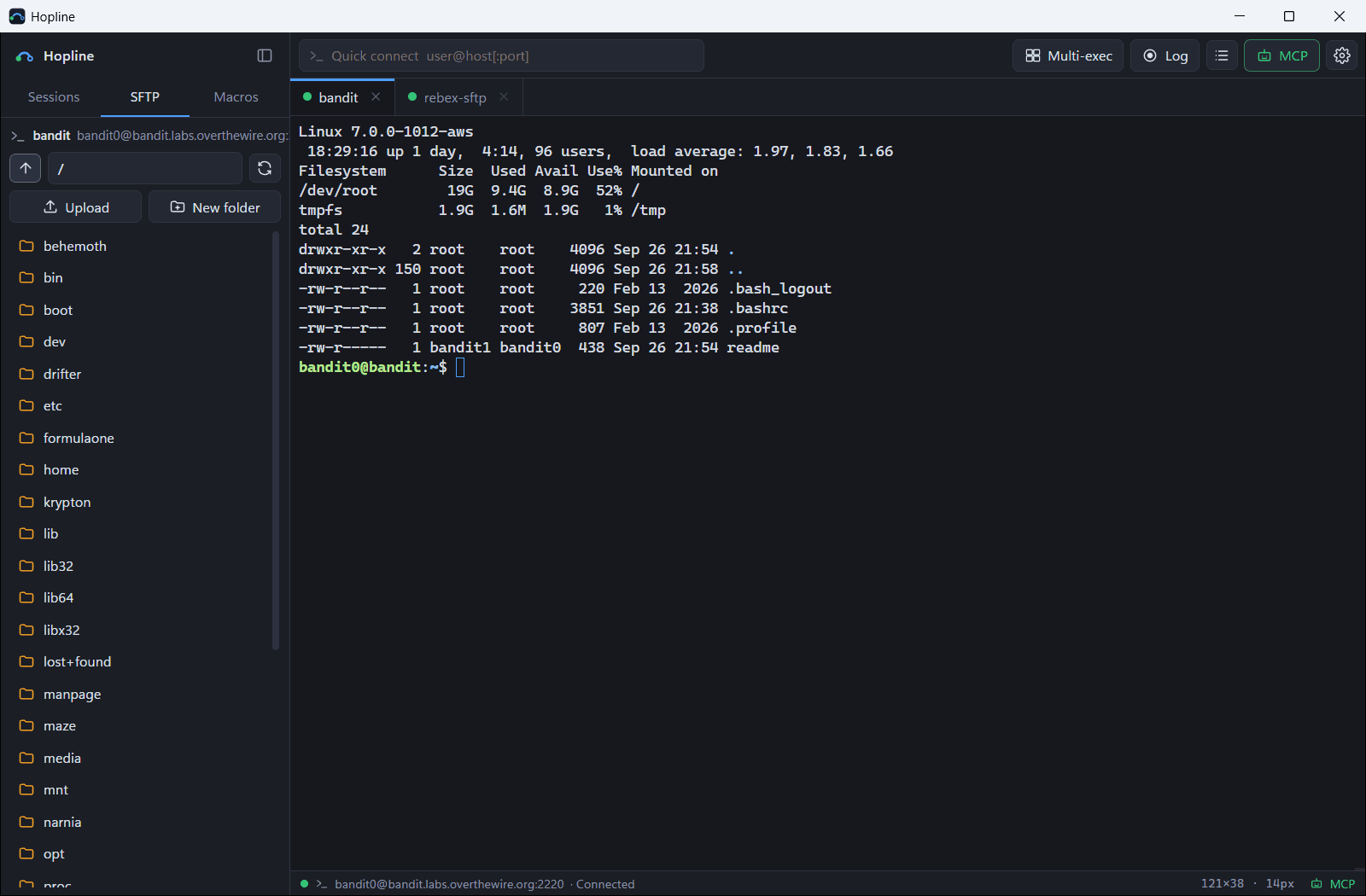
Browse the active SSH tab's files over the same connection. Drag files or folders in from Explorer to upload.
Serial console
COM ports with baud, data bits, parity and stop bits, and adapter names so you pick the right USB console cable.
Split view
Two tabs side by side, stacked, or four at once. Click a pane to work in it.
Multi-exec and macros
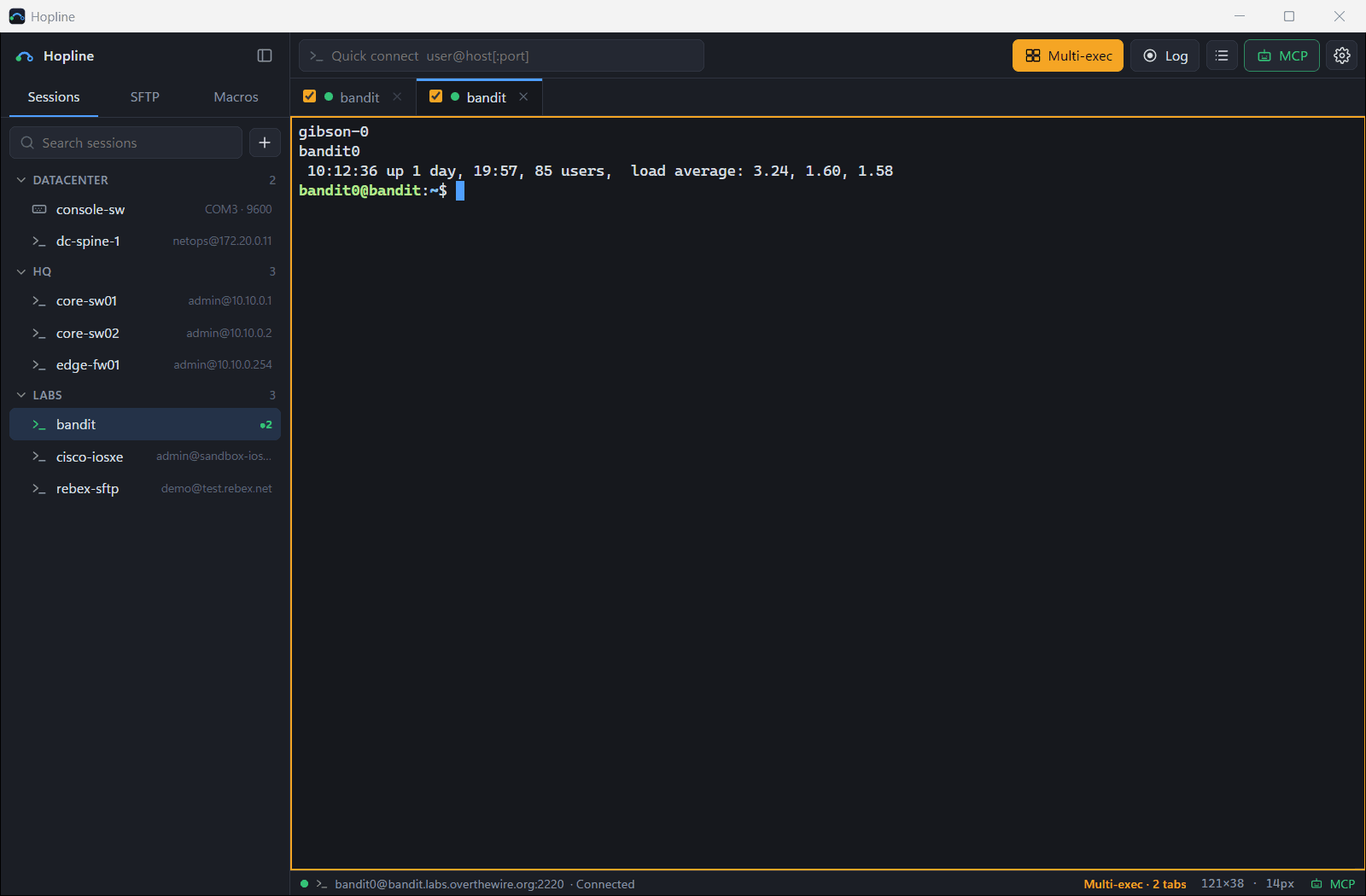
Type once into every checked tab, or send a saved command list line by line with a delay.
Command bar
Pin the commands you use most as buttons under the tabs. Alt+1 to 9, {{variables}} asked at run time, and a confirm step for config changes.
Session logs that read well
Record every session automatically, one folder per device, a timestamp on each line. Search all logs at once and get an AI work summary.
Logon actions
Expect-and-send steps after connecting: enable mode, console logins, hopping through a jump host. Hidden values stay encrypted.
Keyword highlighting
down and errors in red, up in green, IP and MAC addresses and interface names coloured, with rules you can edit.
Built-in TFTP server
Serve a folder for firmware upgrades and config backups, with this PC's addresses and Cisco copy examples at hand.
Backup and restore
Sessions, macros and settings in one file. Passwords can come along, encrypted with your own passphrase.
Tray and auto updates
Close the window and the MCP server and connections stay up. New versions are verified and installed with one click.
Comfortable to look at
Dark and light themes, seven terminal colour schemes, UI scaling, Korean and English.
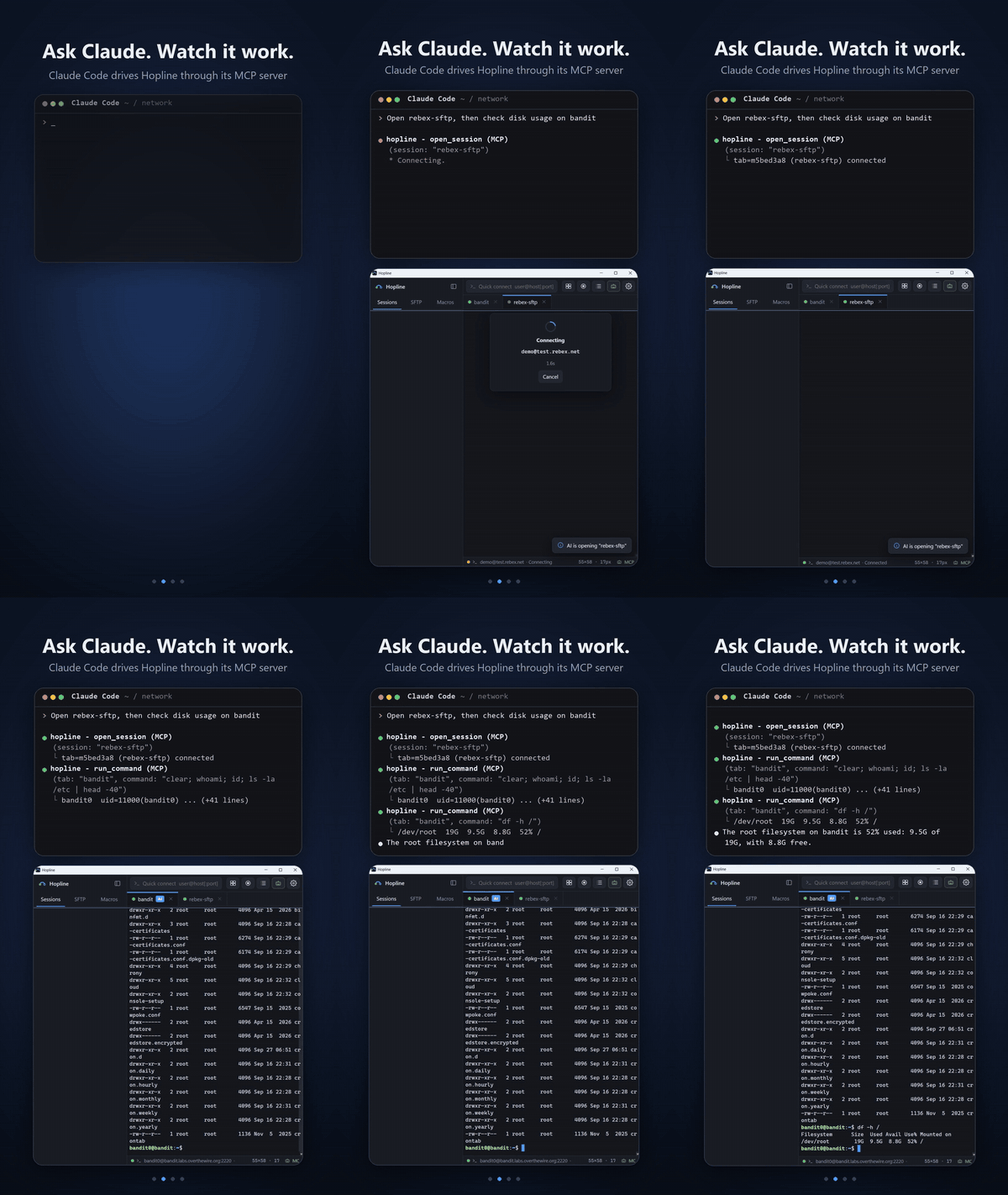
Ask Claude. Watch it work.
Hopline runs a local MCP server. Your assistant types into real, visible tabs, and the tab it's using comes to the front with an AI badge, so nothing happens behind your back.
One click to connect
Connect to Claude Code registers the server and installs the hopline skill. No terminal commands to copy.
Many devices at once
run_on_tabs opens the sessions it needs and runs the same check on every device in parallel, then reports per device.
Careful by default
The skill keeps Claude read-only, shows exact commands before any change and waits for your approval.
Passwords stay with you
Saved passwords never reach the AI. If a session needs one, Hopline asks you in its own window.
13 tools: list_sessions, list_tabs, open_session, run_command, run_on_tabs, send_keys, read_output, sftp_* and close_tab. It also works in tabs you opened yourself.
A closer look
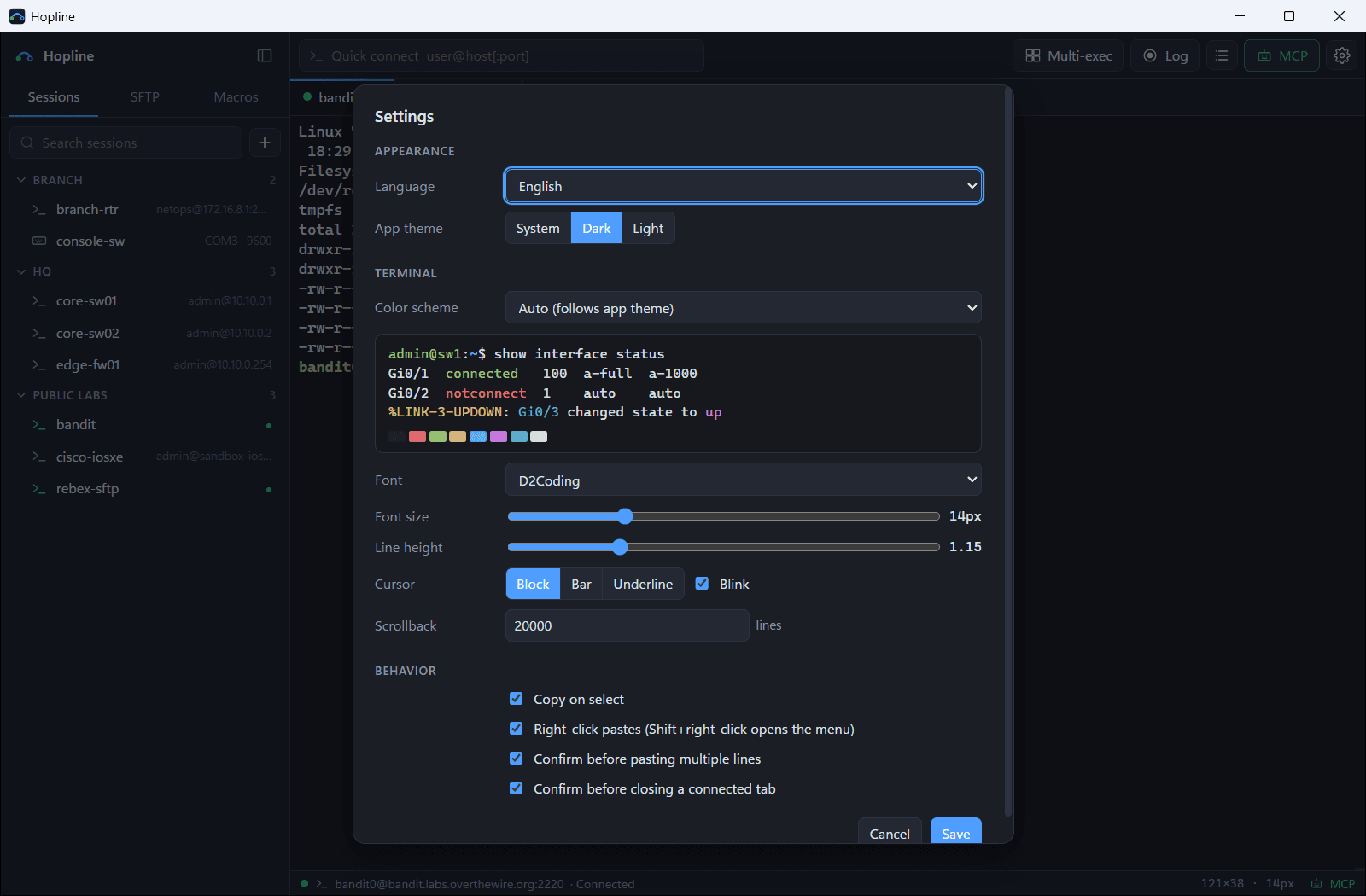
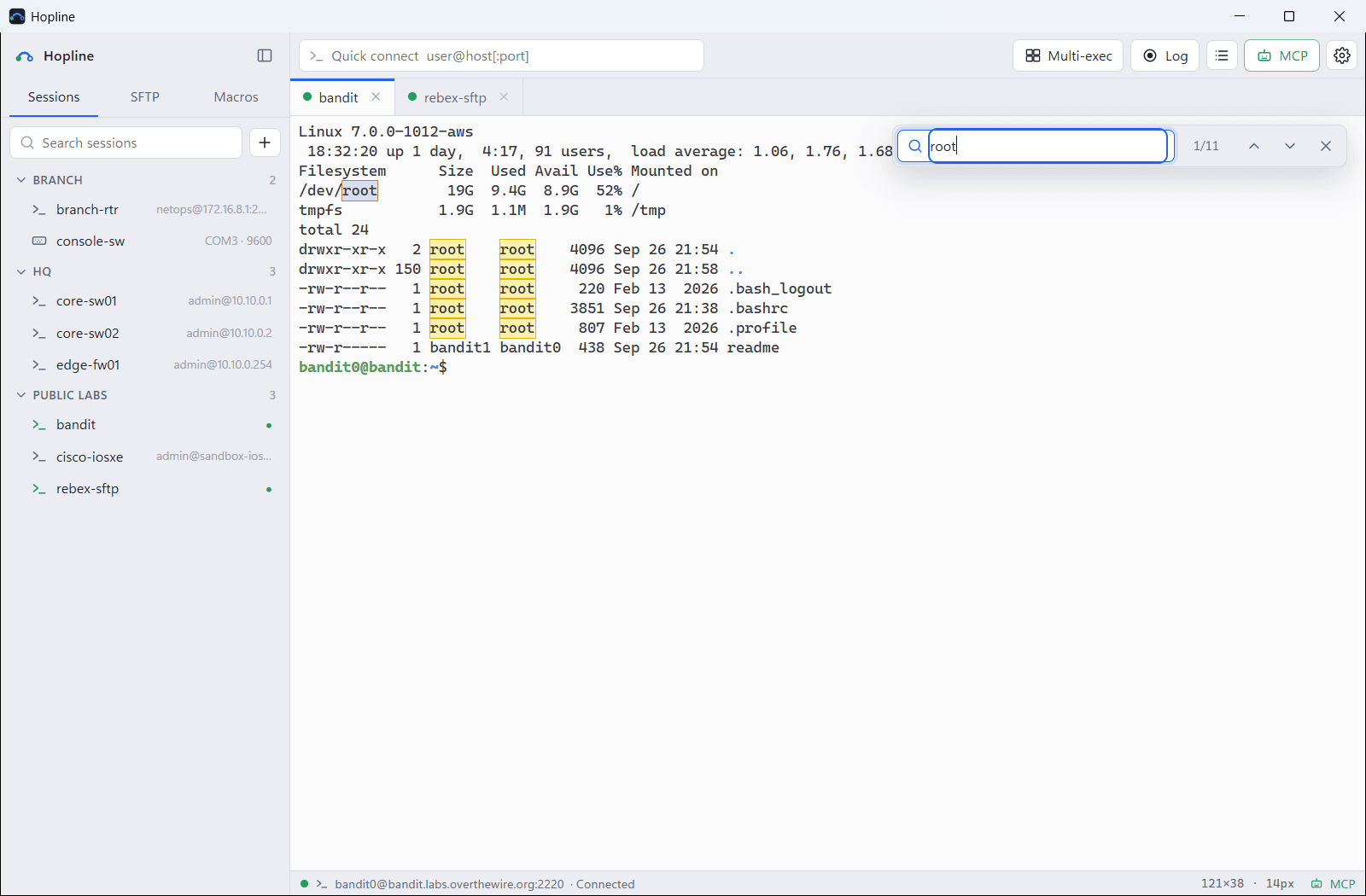
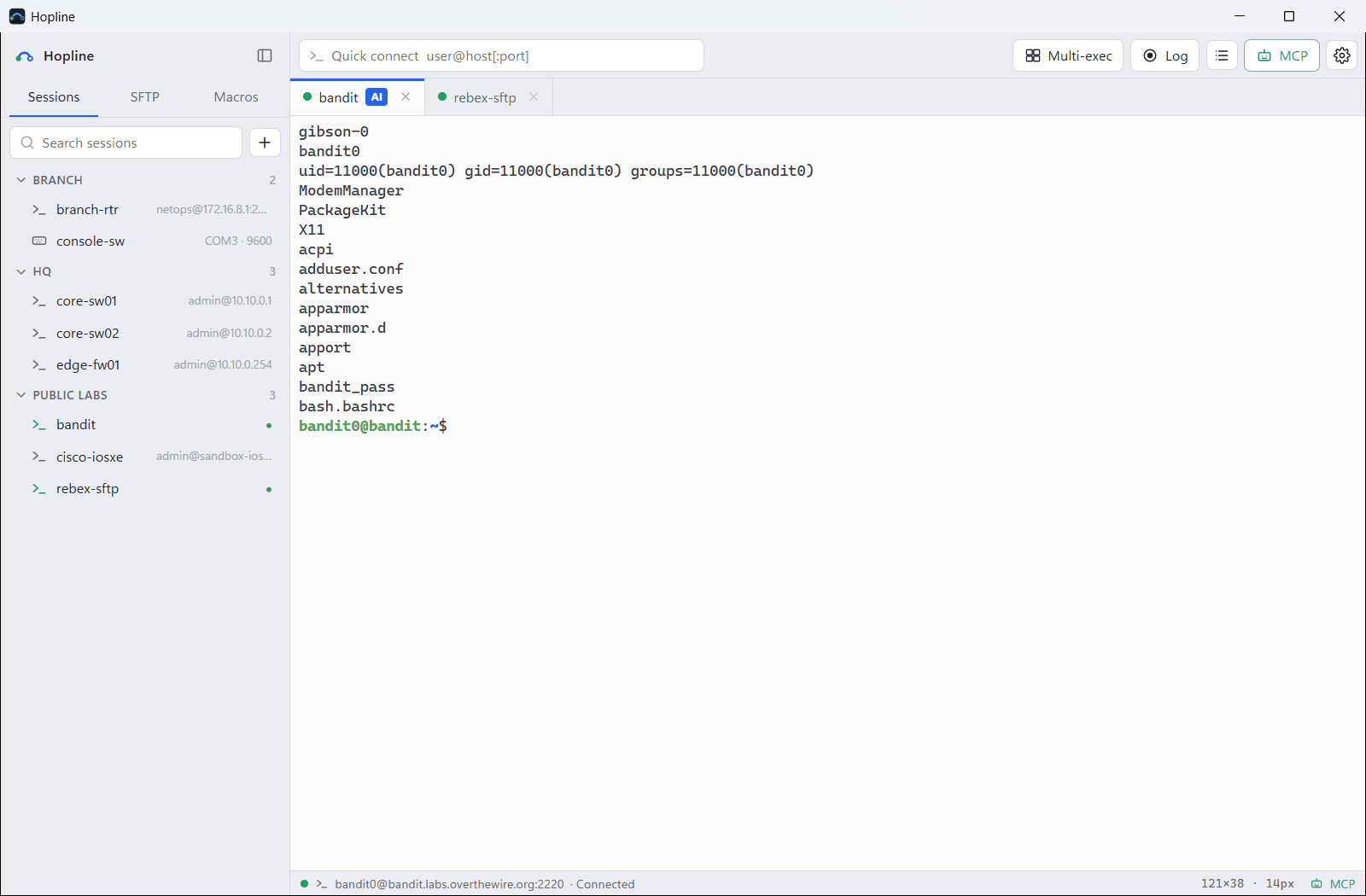
60 seconds with Hopline
From saved sessions to Claude running commands in your tabs.
Install in a minute
- 1
Download
Get Hopline.zip from the latest release, unzip it anywhere and run Hopline.exe. There is no installer.
- 2
Run it
The executable isn't code-signed yet: if SmartScreen warns, choose More info, then Run anyway.
- 3
Connect Claude (optional)
Click MCP, then Connect to Claude Code. Open a new Claude Code session and ask away.
Prefer Scoop?
scoop install https://raw.githubusercontent.com/minhyeok2487/Hopline/main/bucket/hopline.jsonRequires Windows 10 or 11 with the Microsoft Edge WebView2 runtime (built into Windows 11).
Questions
Is it really free?+
Yes. Hopline is open source under the MIT license, with no account, telemetry or paid tier.
macOS or Linux?+
Windows only for now. Hopline is written in Go with Wails, so other platforms are possible later.
Is it safe to let an AI type into my devices?+
The MCP server only listens on 127.0.0.1 and requires a token. Everything happens in visible tabs, and the bundled skill keeps the assistant read-only until you approve a change. Use least-privilege device accounts all the same.
Can I bring my sessions from MobaXterm or PuTTY?+
Yes. The import button above the session list finds MobaXterm, PuTTY, SecureCRT and Xshell sessions on your PC and brings them in with their folders. Passwords are not imported; Hopline asks for them on first connect.
Which AI assistants work?+
Any MCP client that supports streamable HTTP with a bearer token. One-click setup is built for Claude Code.